
Introduction
Canon Inc. is a Japan-based multinational corporation mainly recognized for manufacturing electronics & electrical appliances. Canon’s headquarters are based in Ōta, Tokyo, Japan. Canon World is the sales and marketing arm of Canon Inc. and is recognised as a global leader in imaging technology. Established in 1997, Canon World offers a wide range of advanced digital imaging products and solutions across global markets. In line with its corporate tagline, ‘Delighting You Always,’ and supported by its world-class technological expertise.
Canon offers an extended product portfolio, including Large Format Printers, Digital Production Printers, Commercial Printers, Managed Document Services, Multi-Functional Devices, Inkjet & Laser Printers, Document and Cheque Scanners, Digital Cameras, DSLRs, Mirrorless cameras, and Cinematic Imaging Products. These products and solutions serve a diverse range of sectors, including consumers, SMEs, B2B organisations, commercial businesses, government bodies, and PSUs.

Canon Printers: Everything you should know before using or buying one
Canon has been making printers since 1985, and its decades of experience are easy to notice once you start using one. Ink saturation is generally more consistent than many competing models in a similar price range. Print heads also tend to remain reliable even when the printer sits unused for a couple of weeks, which can be important if you don’t print every day. Canon has also focused on keeping printer setup relatively straightforward across its range, making the brand a popular option for home users, students, and small businesses.
If you already own a Canon printer and need help with a specific issue, the category cards below can take you directly to the problem you are experiencing. If you’re still deciding which Canon printer to buy, the guide below can help you understand the differences between the major series before making a decision.
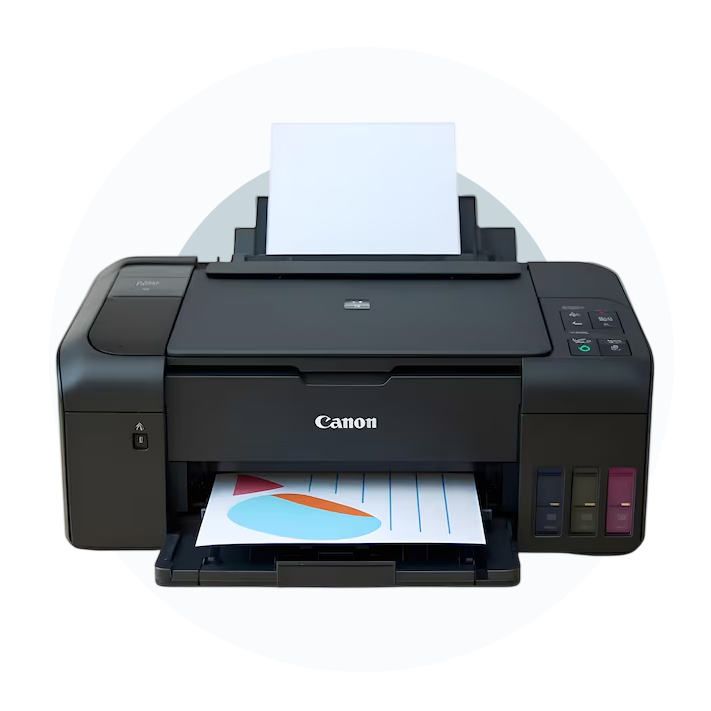
The Canon Printer Lineup: What Each Series Can Actually Do
Canon divides its printers into several product families, with each series designed around different printing needs. Choosing the wrong series can mean paying for features you don’t need or getting a printer that can’t handle your workload.
PIXMA Series
The PIXMA line is Canon’s most flexible and widely recognised printer family. Models such as PIXMA TR4720, TR8620, and TS9521C are all-in-one inkjet printers made for homes that need to print everything from everyday documents and schoolwork to photos.
One of the key differences between PIXMA models and many budget alternatives is their use of dye-based ink. Dye inks can deliver smooth color transitions and detailed photo output, although they are generally less resistant to water than pigment-based inks. This is usually not an issue for everyday documents, but it can be worth considering when printing labels or material that may be exposed to moisture.
The TR8620, for example, comes with five individual ink tanks, including a dedicated gray cartridge for added photo detail. It also offers automatic two-sided printing along with both front and rear paper feeding. These are features often associated with more expensive printers, while the TR8620 has been available around the $200 price range.
MAXIFY Series
If you’re printing around 200 or more pages every week, the MAXIFY range is designed to better suit that kind of workload. Models such as the MAXIFY GX6020 and GX7020 use Canon’s MegaTank system, which replaces traditional cartridges with refillable ink reservoirs. The GX6020 is rated for up to 6,000 black pages and 7,700 colour pages from a set of ink bottles, making it particularly useful for people who print frequently and want to reduce ongoing ink expenses.
The MAXIFY range also uses pigment-based ink that produces clear, sharp text on standard paper. This can be especially useful in offices where contracts, invoices, reports, and other text-heavy documents are printed regularly.
imageCLASS Series
Canon’s imageCLASS lineup includes both monochrome and colour laser printers for users who value printing speed, reliability, and lower running costs over photo performance. For example, the imageCLASS MF445dw can print at up to 40 pages per minute and includes automatic two-sided printing, making it suitable for busy offices handling large amounts of text-based paperwork.
Laser toner cartridges can typically produce considerably more pages than standard inkjet cartridges. A standard imageCLASS toner can yield roughly 3,100 pages, while a standard PIXMA cartridge may produce around 400–500 pages. For a small office printing contracts, invoices, and reports regularly, that difference in page yield can significantly affect yearly printing costs.
SELPHY Series
The SELPHY CP1500 and similar models use dye-sublimation printing rather than traditional inkjet technology. This is important because dye-sublimation prints are resistant to smudging and offer good water resistance immediately after printing. If you mainly want to print 4×6-inch photographs from a smartphone or memory card, the SELPHY range can produce high-quality prints with a finish similar to what you would expect from a photo lab.
Canon Ink: Cartridge vs. MegaTank
Ink costs are one of the most important factors to consider, yet they are often overlooked when buying a printer.
Standard cartridge models
including many PIXMA printers, generally have a lower purchase price but can cost more to operate over time. Canon’s XL cartridges can provide better page yields and reduce the cost per page, but frequent printing can still make replacement ink expensive.
MegaTank models
including the GX series, usually have a higher initial purchase price, often around $100–$150 more than a similar cartridge printer. However, their cost per page can be considerably lower, with Canon’s published yield figures showing costs that can reach approximately $0.01 per black page and $0.002 per colour page, depending on the model and calculation used. For users printing hundreds of pages every month, the higher upfront price can potentially be recovered through lower ink costs.
The main practical drawback is convenience. MegaTank ink comes in bottles rather than traditional cartridges, so you may need to order replacements in advance. If you have an unpredictable printing schedule and need replacement ink immediately, a cartridge-based printer may be more convenient.
Canon Printer Compatibility: Windows, Mac, iOS, and Android
Canon offers broad compatibility across Windows, Mac, iOS, and Android on many of its current printer models. The Canon PRINT Inkjet/SELPHY app, available for iOS and Android, allows users to print and scan wirelessly from compatible mobile devices without requiring a computer. AirPrint is also supported by many current PIXMA and MAXIFY models, allowing iPhone and iPad users to print directly from supported apps.
On Mac, Canon provides model-specific software and drivers through Apple’s software ecosystem as well as its own support resources. In many cases, you may not need to manually install every component. On Windows 10 and Windows 11, compatible Canon printers can often be detected and installed through Windows Update. However, installing Canon’s full software package may provide additional scanning tools, printer controls, and advanced settings that aren’t available with a basic driver.
Choosing the Right Canon Printer as per the situation you are in
Rather than relying on general recommendations, here’s a practical way to match a Canon printer to different printing habits:
You print mostly documents, occasionally photos, and under 100 pages per week:
PIXMA TR4720 or TR4522. These models are compact options for everyday home printing with relatively straightforward ink requirements.
You print lots of photos and want better photo quality at home:
PIXMA TR8620 or TS9521C. The five-ink setup on the TR8620 can provide more control over photo colour and detail.
You run a home business or small office and print 200+ pages per week:
PIXMA GX6020 (MegaTank). A refillable ink system can make more financial sense for higher-volume printing.
You need fast, sharp text documents and rarely print in colour:
imageCLASS MF445dw or MF267dw. Laser technology offers fast text printing and high-yield toner for regular office workloads.
You want compact, high-quality photo prints from your phone:
SELPHY CP1500. Its dye-sublimation system is particularly suited to producing 4×6-inch photographs at home.
Having trouble with a particular Canon printer? Use the guide categories on this page to find step-by-step instructions for the specific issue you’re facing.
Knowledge Base
Lorem ipsum dolor sit amet, consectetur adipiscing elit. Ut elit tellus, luctus nec ullamcorper mattis, pulvinar dapibus leo.
- All Posts
- Canon
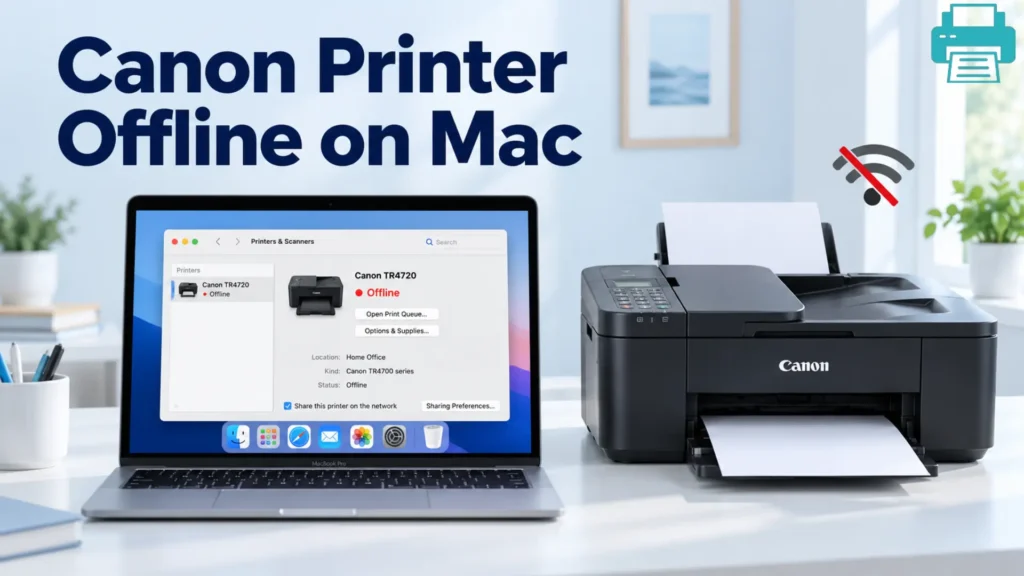
Once everything looks normal to you, the next second it can turn into a nightmare for you. Your printer is...
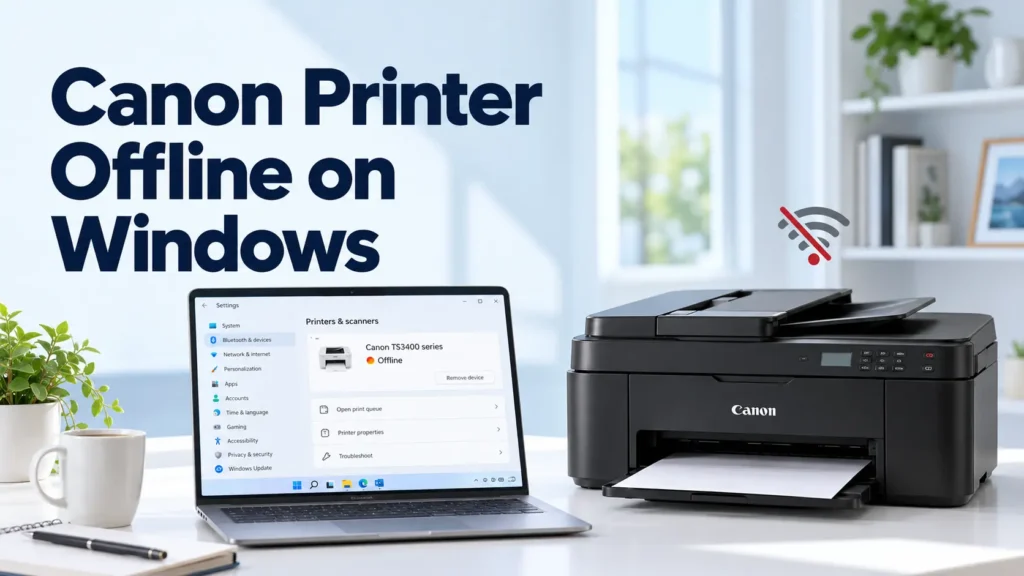
If your Canon printer goes offline when you just send a print job, you are not alone. Most of the...
You just clicked “Print,” expecting the document to come out, but instead it shows: Canon Printer Offline. The printer is...
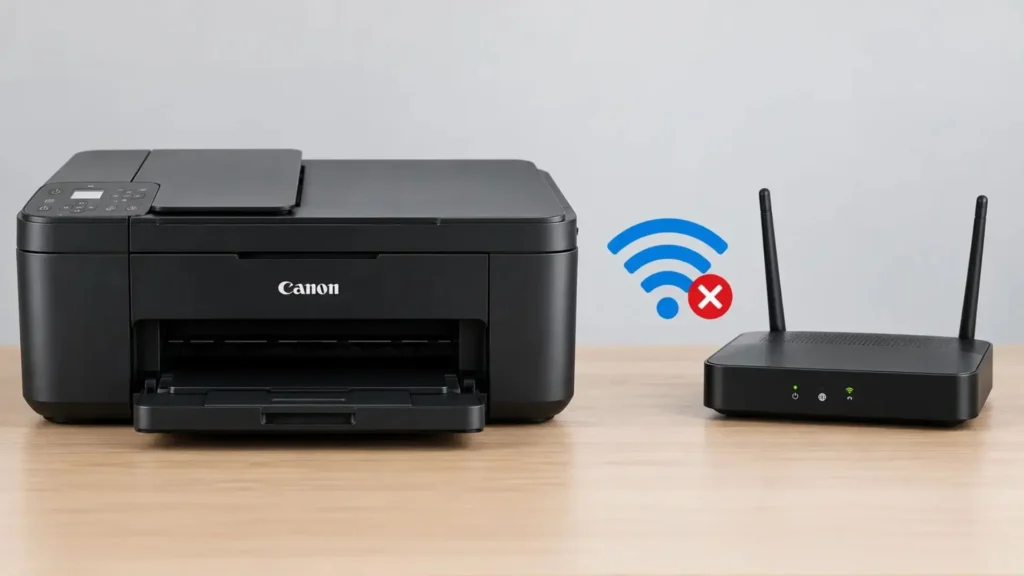
Is your Canon printer refusing to connect to WiFi when you need to print something important? Your printer is powered...