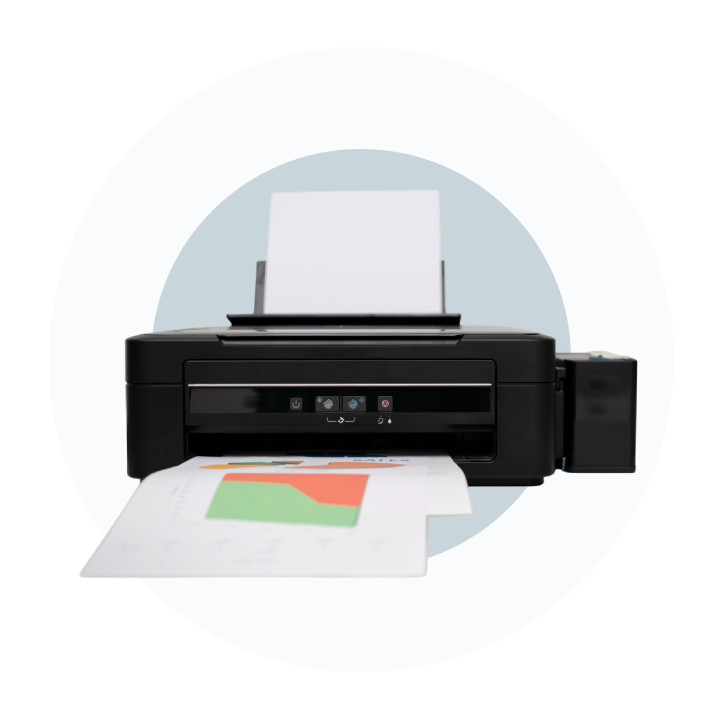
Introduction
Brother Industries Ltd is a Japan-based multinational company headquartered in Nagoya, Japan. The company is known worldwide for printing, electronics, sewing, industrial equipment, and business solutions. Brother provides products for homes, offices, small businesses, professional workplaces, and industrial environments.
Its portfolio includes printers, multifunction printers, label printers, scanners, fax machines, sewing and embroidery machines, industrial sewing equipment, machine tools, typewriters, and other electronic products. Brother sells its products under its own brand and serves customers through a worldwide network of subsidiaries, distributors, retailers, and business partners.
Brother Industries has a history dating back to 1908, when the company began as a sewing machine repair business in Nagoya. Over time, Brother expanded its manufacturing and technology operations and entered the printing and office equipment markets. Today, printing remains one of its most recognised product areas, alongside sewing, labelling, and industrial solutions.

What you need to know before buying or troubleshooting
Buying a Brother printer or trying to fix one? Brother offers laser and inkjet printers for homes, offices, and small businesses. The brand is especially known for practical features, reliable document printing, and affordable running costs.
Brother has been in business for more than a century, with its roots in Japan. Today, its printers are available in several ranges, making it easier to find a model based on your printing needs.

Why choose a Brother Printer?
Brother printers are popular because they focus on useful features rather than unnecessary extras. Laser models are particularly suitable for regular document printing because toner does not dry out like liquid ink.
Key benefits include:
- Low running costs:High-yield toner can print many pages before replacement.
- No required subscription:Buy toner when you need it.
- Reliable document printing: Ideal for letters, forms, reports, and office work.
- Wireless connectivity: Many models support Wi-Fi and mobile printing.
- Windows and Mac support: Brother provides drivers and software for supported devices.
Brother Printer Series
HL Series: Simple Printing
- HL printers are primarily designed for printing. They are a practical choice when you don’t need a built-in scanner, copier, or fax machine.
- Many HL models focus on monochrome laser printing, while others offer colour output. Features such as automatic duplex printing and wireless connectivity are available on selected models.
MFC Series: All-in-One Printing
- MFC stands for Multi-Function Center. These machines combine several office functions in one device, commonly including printing, scanning, copying, and faxing.
- MFC models can be useful for home offices and small businesses because you don’t need separate machines for everyday document tasks. Depending on the model, features may include an automatic document feeder, touchscreen controls, duplex printing, and wireless networking.
DCP Series: Multifunction Without Fax
- DCP printers generally combine printing, scanning, and copying without including fax functionality. They can suit users who want an all-in-one printer but don’t need a fax machine.
- This can also make the printer simpler if faxing isn’t part of your everyday workflow.
Setting Up a Brother Printer
Brother printer setup is usually simple, but Wi-Fi can sometimes cause problems. Incorrect passwords, router settings, weak signals, or incompatible wireless bands can stop the printer from connecting.
After connecting the printer, install the correct Brother software or driver for your operating system. Some advanced printing and scanning features may not work properly with basic built-in drivers alone.
Brother Printer Toner: What to Know?
You can choose between genuine Brother toner and compatible cartridges. Original toner is designed specifically for the printer, while compatible options are usually cheaper.
If you use third-party toner, always check the exact cartridge number for your model. Compatibility can vary, and incorrect installation may cause toner or cartridge errors.
Common Brother Printer Problems
Brother printers can experience a few common issues:
- Brother printer showing offline:Your computer may be unable to communicate with the printer even though the machine is switched on. Check that the printer and computer are connected to the correct network, then check the selected printer and Windows print settings.
- Brother printer won’t connect to Wi-Fi:Incorrect Wi-Fi credentials, router settings, signal problems, unsupported network bands, or a temporary network fault can prevent a wireless connection.
- Paper jam message when there is no paper: Small scraps of paper, dust, or debris around the paper path and rollers can trigger a jam warning. Carefully inspect the printer and remove visible debris before trying another print.
- Poor or smudged prints:Toner problems, unsuitable paper, dirty internal components, or a worn printer part can affect print quality. Running the printer’s available cleaning or maintenance procedure may help identify the cause.
- Printer stopped working after an update: Operating-system or driver changes can sometimes affect communication with a printer. Reinstalling the correct Brother driver and removing an outdated printer entry can restore the connection.
What to Do Next?
Before replacing your Brother printer, check its power, paper, toner, connection, and error messages. If everything looks normal, the problem may be related to the driver, print queue, Wi-Fi connection, or printer settings.
Use the troubleshooting guides on this site to find the specific Brother printer problem you’re facing and follow the recommended steps to get it working again.
Knowledge Base
Lorem ipsum dolor sit amet, consectetur adipiscing elit. Ut elit tellus, luctus nec ullamcorper mattis, pulvinar dapibus leo.
- All Posts
- Brother
- Canon
- Epson
- Hp
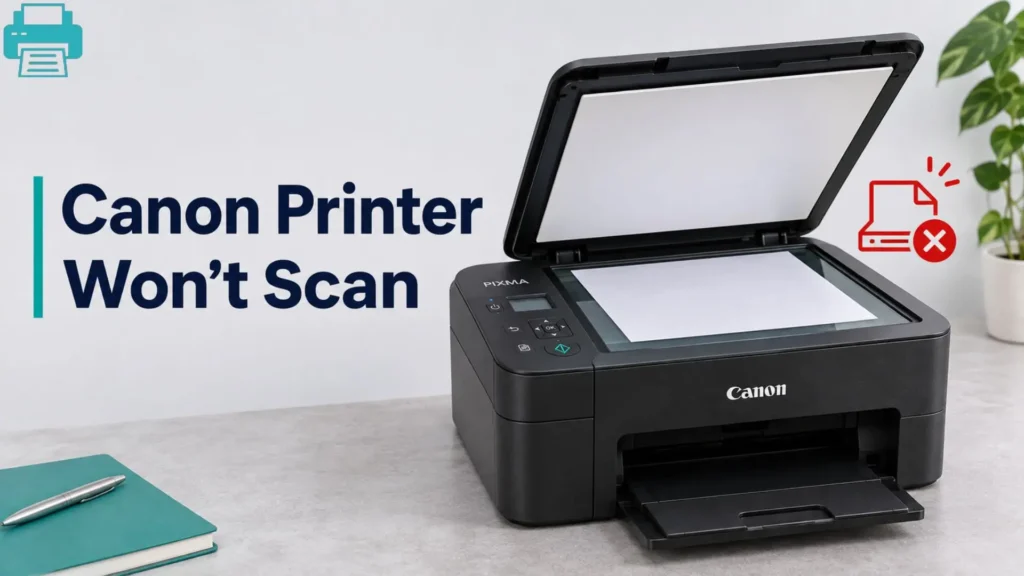
Is your Canon printer printing documents but refusing to scan them? This problem can occur when the scanner driver is...
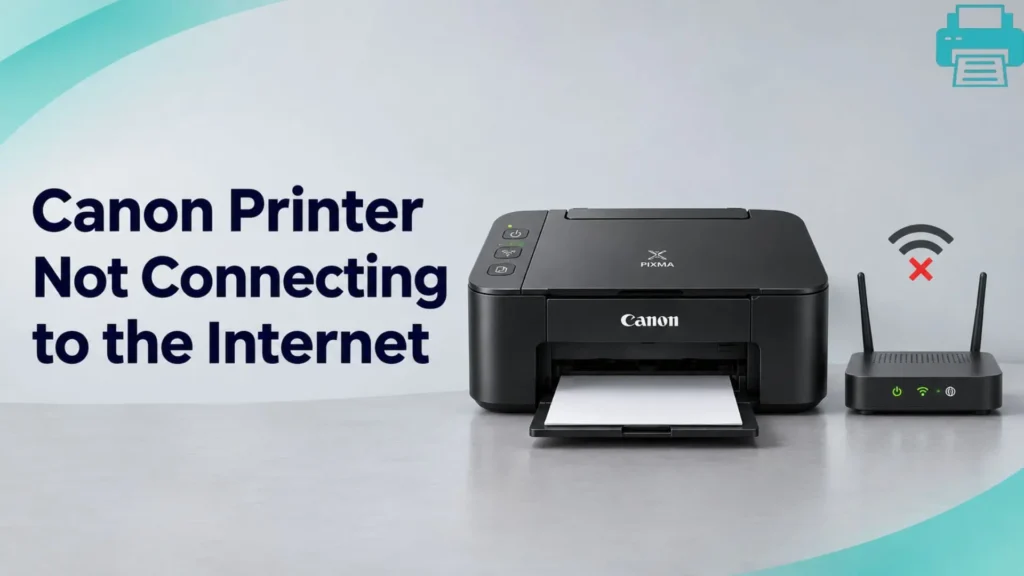
A Canon printer may show it is powered on but still fail to connect to the internet or Canon’s online...
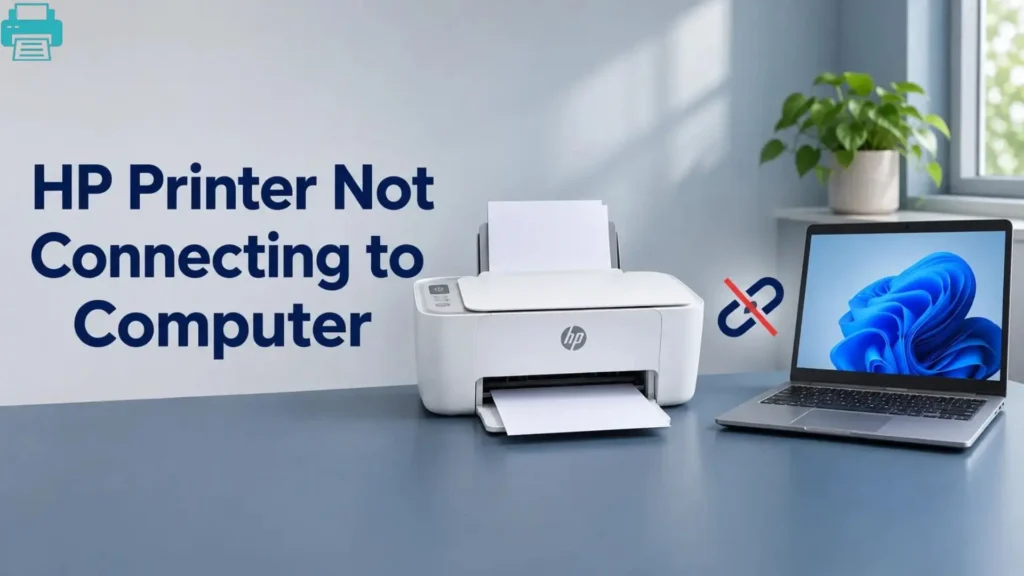
Your HP printer is switched on, but your computer cannot find it. Sometimes, the printer appears connected but refuses to...
A Brother printer can be switched on and ready to print, yet your computer may still fail to detect it....
Is your Canon printer not connecting to your computer? Whether the printer is missing from your device list, stuck offline,...
You send a document to print, but your HP printer just sits right there. No printed page comes out, the...